
Create Your First Invoice in 3 Simple Steps
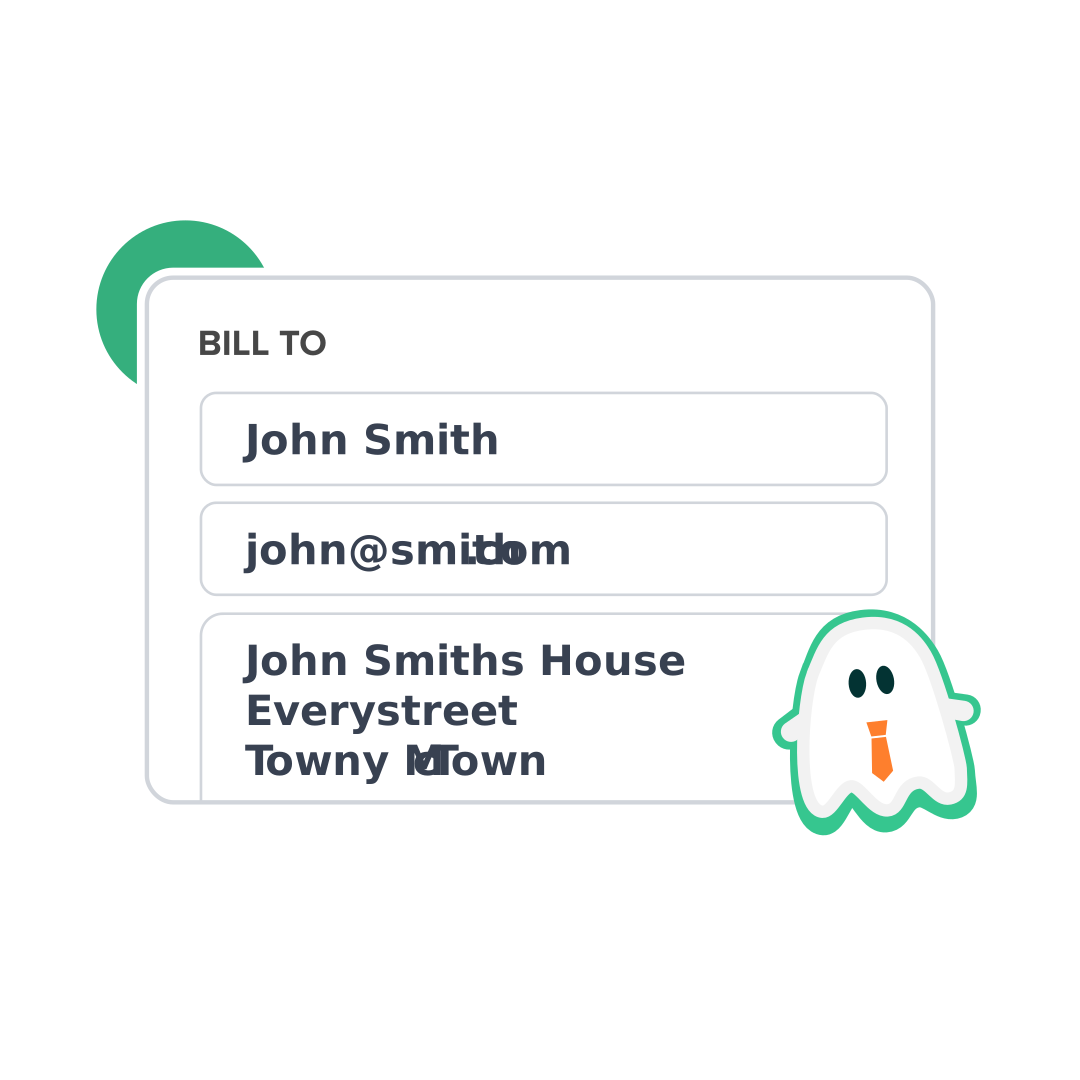
Add Your Business Details & Logo
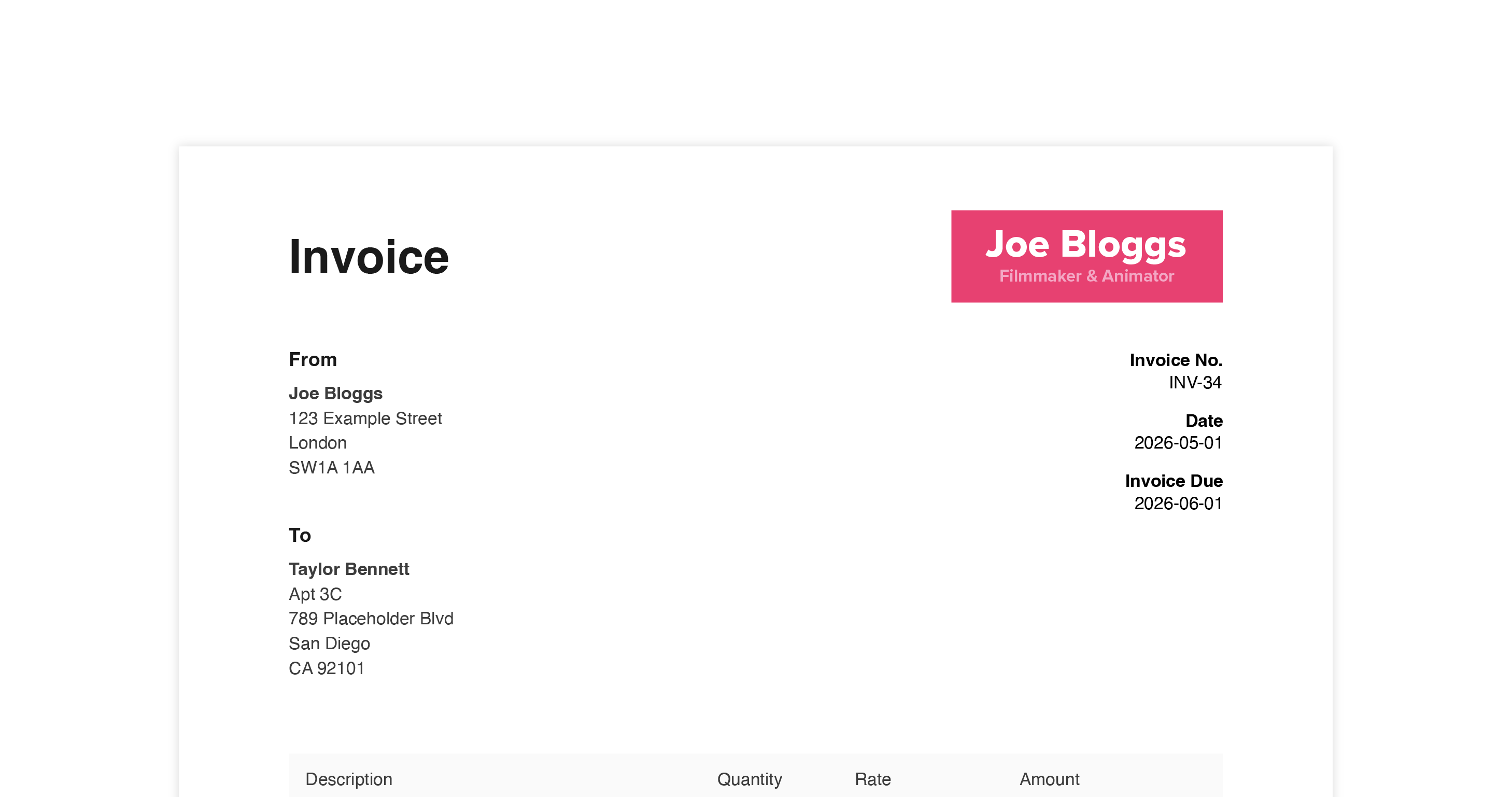
Set your due date & invoice number. Enter your business name and address. Add your client's details too
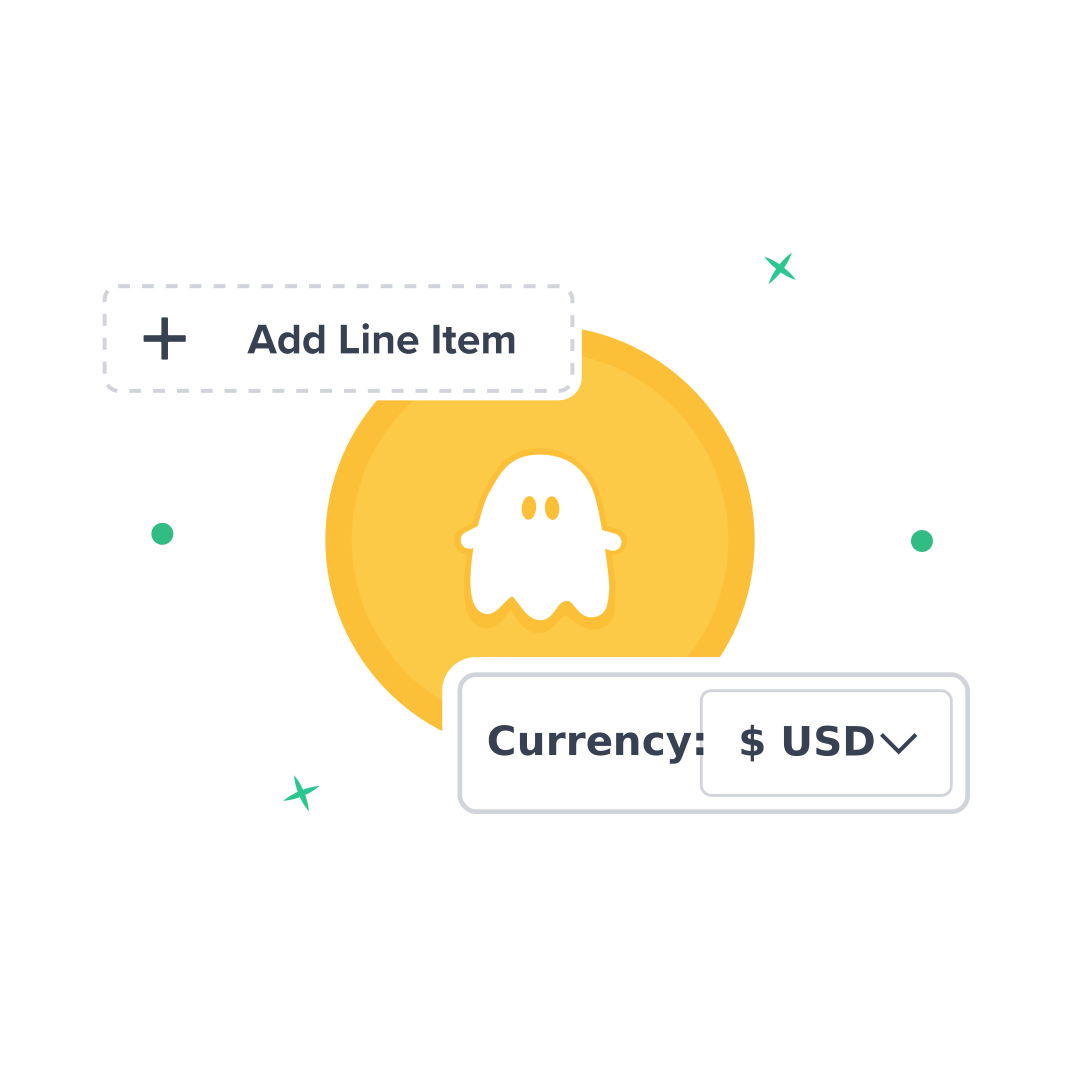
Add Services, Rates & Payment Terms
List what you're billing for with descriptions, quantities, and rates. Add tax rates if needed, and include your payment details. Totals calculate automatically.
Download Your Watermark-Free PDF
Generate a clean, professional PDF invoice with no watermarks or BooInvoice branding. Add your own logo for custom branding.
No Watermarks. No Signup. Add Your Own Logo.
Unlike other free invoice generators, BooInvoice doesn't plaster watermarks or "Made with..." branding on your invoices. Every PDF you create is clean and professional.
Why use a free freelance invoice generator?
As a freelancer, you want to make sure your clients get a professional, seamless experience - no matter what niche you're in. Happy clients pay faster, refer others, and build long-term working relationships.
When you're just starting out, you don't need expensive accounting software to keep everything running smoothly. With BooInvoice, there's no signup required - you can create your first invoice in minutes without creating an account. And unlike other free tools, your invoices come with no watermarks or forced branding.
A free invoice generator with no signup helps you:
- Start invoicing immediately - no account creation or email verification
- Send professional invoices with no watermarks - even on the free plan
- Add your own logo and branding to look professional from day one
- Keep organized with expenses and taxes, and simplify bookkeeping
BooInvoice is the simple solution to freelance billing - create invoices with no signup, download clean PDFs with no watermarks, and get paid faster.
Frequently Asked Questions
Common questions from freelancers about invoicing
What should a freelance invoice include?
A freelance invoice should include: your name and business name, your address, a unique invoice number, the date, your client's name and address, a description of services provided, the amount charged, tax information (if applicable), and payment terms. BooInvoice includes all these fields automatically.
Do freelancers need to send invoices?
Yes, freelancers should send invoices for all work completed. Invoices serve as legal proof of the transaction, help with record-keeping for tax purposes, and ensure you get paid on time. They're essential documentation for your business finances.
Is BooInvoice free for freelancers?
Yes! BooInvoice offers a free tier that includes unlimited invoices and up to 3 clients. You can create and download professional PDF invoices without paying anything. We also offer a Pro plan for £4.70/month if you need unlimited clients and additional features like reporting and email sending.
Can I add tax to my invoices?
Yes, BooInvoice lets you add a tax rate to your invoices with one click. Simply toggle the tax option on and enter your tax rate - totals are calculated automatically.
Can I add my logo to invoices?
Yes, BooInvoice allows you to upload your business logo which will appear on all your invoices. This helps create a professional, branded appearance for your freelance business.
How long should I keep invoices for?
Most tax authorities require you to keep business records (including invoices) for 5-7 years. BooInvoice Pro stores all your invoices securely so you can access them anytime.
Ready to Create Professional Invoices?
Join freelancers who use BooInvoice to get paid faster.
Create Your Free InvoiceNo signup required • No Watermark